
Finding twin-specific parenting advice that balances daily care routines and separate developmental tracking for each child is a rare challenge for families with multiples. Many apps and guides generalize for single babies or make you pay recurring fees for full tracking and shared caregiver access. This review maps out which platforms offer built-in twin routines, flexible tracking, and cost models so you can pick the right fit without trial-and-error signups.
Table of Contents
TwinsandCounting
At a Glance
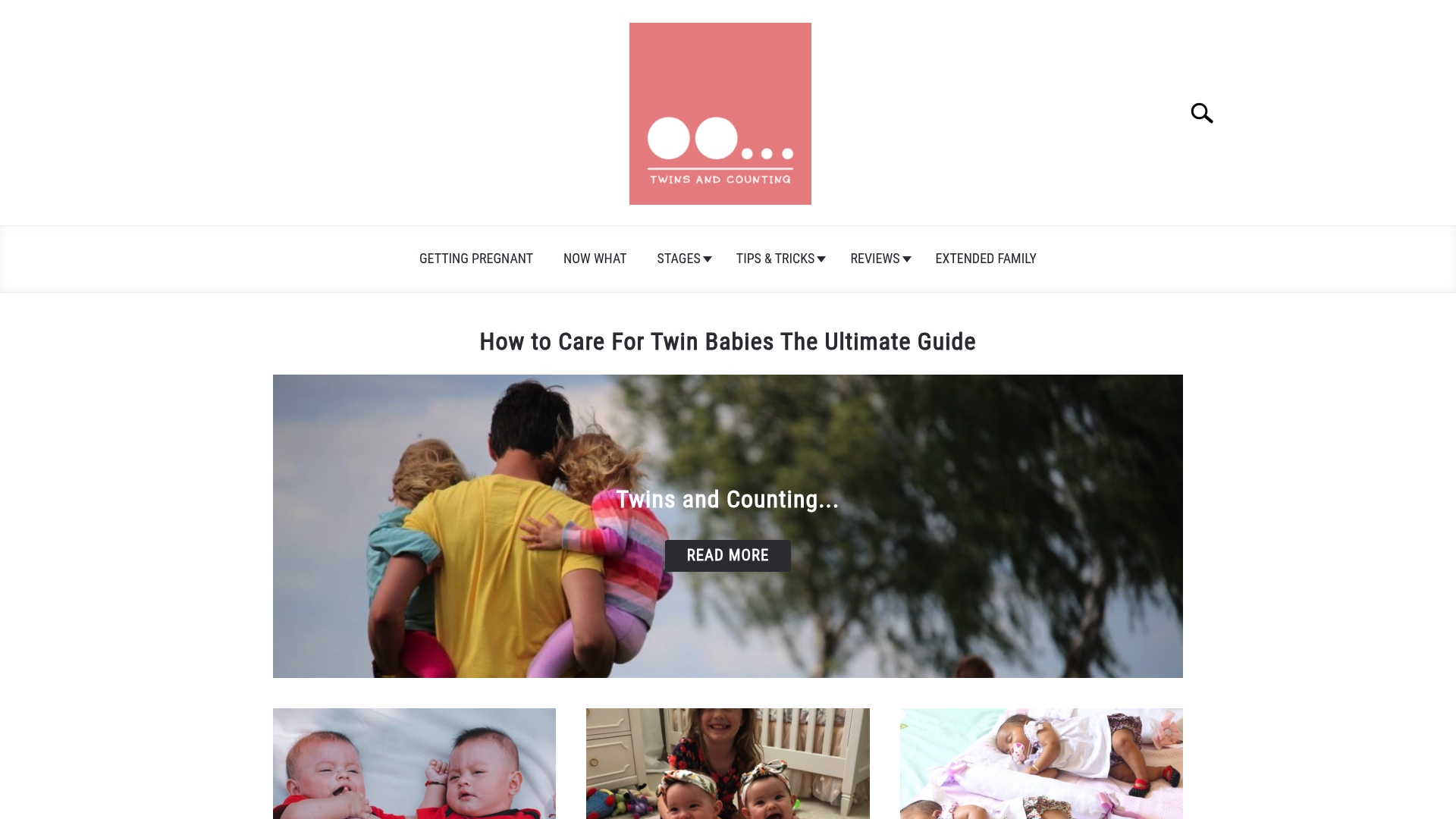
The site combines twin-specific guides with built-in tracking tools that let you monitor each baby separately for feeding and growth. That split tracking is the most concrete feature that changes daily caregiving for two infants.
TwinsandCounting pairs professional guidance with parent stories so you get both practical steps and real examples from families raising twins.
Core Features
- Twin-specific guides on sleep, feeding, and development across newborn to toddler stages, written to address two babies at once.
- Practical, flexible routines that show how to stagger naps and feeds while recognizing individual twin needs.
- Guidance for creating safe sleep environments when twins share a room or sleep surface.
- Expert commentary paired with personal parent stories to balance clinical perspective and lived experience.
- Tracking tools for separate monitoring of each twin’s growth and feeding history so you can spot patterns quickly.
Key Differentiator
The site’s central difference is its exclusive focus on twin care. Every guide and checklist is written with the realities of two infants in mind rather than retrofitting single-baby advice for pairs.
That single-minded focus changes recommendations in subtle ways. Timing, positioning, and troubleshooting all assume you will be managing parallel needs and limited hands.
Pros
-
Targeted guidance saves time. You skip generic parenting pages and land on strategies written for twins, which is practical when sleepless nights reduce research bandwidth.
-
Emphasis on individual twin development helps you tailor sleep and feeding plans when one baby lags or advances relative to the sibling.
-
The safe sleep resources are clear and specific. They walk through crib layout, room sharing, and protocol for reducing risk when space is tight.
-
Expert insights grounded by parent stories keep advice realistic. When a clinician suggests a change, an accompanying family vignette shows how it worked in a real home.
-
The tracking tools cut double-handling. Logging feeds and weights separately for each twin makes trends easier to spot during pediatric visits.
Cons
- The material can feel dense for parents without a support network since there is a lot of detail to apply while caring for two infants.
Who It’s For
Parents and caregivers of newborn or young twins who want written, practical plans for sleep, feeding, and early development. The site fits people who prefer checklists and stepwise routines over forum-style crowdsourcing.
Unique Value Proposition
The built-in per-baby tracking changes the workflow. Instead of guessing which twin took which feed, you keep discrete records that simplify night shifts, doctor visits, and schedule adjustments.
That practical bookkeeping paired with twin-first routines reduces repetitive work. For two-parent teams or rotating caregivers, the combination saves time and clarifies who does what at 2 a.m.
Real World Use Case
A parent follows a TwinsandCounting sleep plan, adapts nap windows for each baby, and logs feeds in the tracking tool. Over two weeks the family sees more predictable wake windows and a faster response to a feeding imbalance between the twins.
Website: https://twinsandcounting.com
Parent Sense
At a Glance
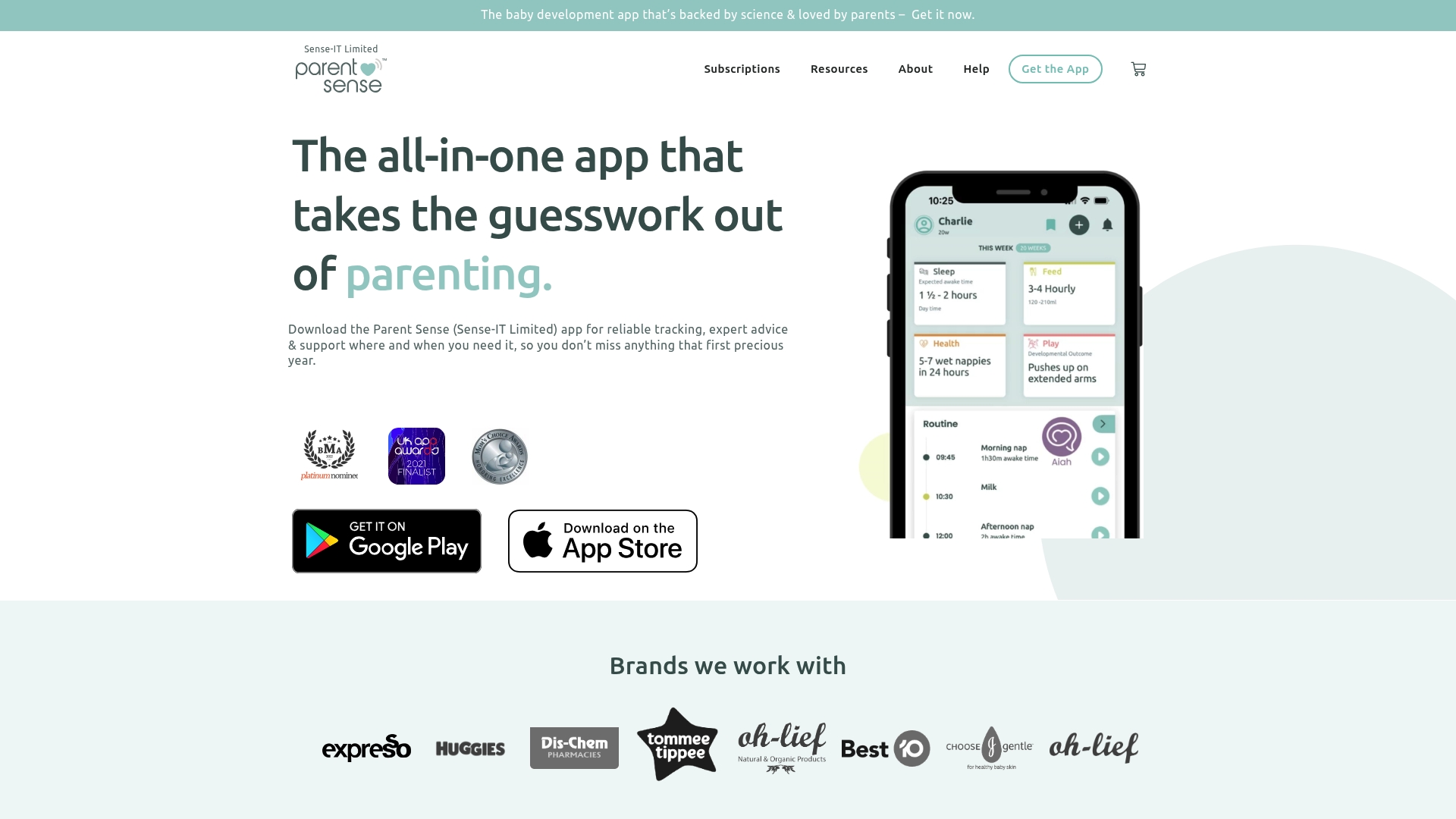
Offers multiple lifetime purchase options, including a R1,999.99 one-off lifetime subscription alongside lower lifetime and recurring plans. Parent Sense’s marketing describes it as science-backed; that claim anchors the app’s guidance but should be treated as the vendor’s framing rather than a clinical endorsement.
Core Features
Personalized daily routines adapt to your baby’s age and data and include sleep, feeding, and milestone prompts.
- Personalized daily routines with age and prematurity adjustments.
- Sleep tracker, feeding tracker, and a meal planner with weaning recipes.
- Health records for weight and vaccinations plus weekly summaries and progress reports.
Key Differentiator
The app combines evidence-focused routines with expert content tailored for multiple and premature infants. That focus on twins, triplets, and prematurity makes it more relevant to parents managing parallel schedules and corrected ages than generic baby apps.
Pros
-
Strong routine support helps structure dual schedules. Parents of multiples get separate tracks per child so you can compare feeds and naps side by side.
-
Broad tracking surface keeps sleep, feeds, milestones, and health in one place. That reduces the number of apps you juggle at 3 a.m.
-
Multiple caregiver access lets partners and grandparents add entries, which matters when two infants need coordinated care.
-
The app offers both lifetime purchase options and subscription plans, giving families different budget paths.
-
Expert articles, courses, and book content are built into the app, so guidance appears alongside trackers instead of in a separate browser search.
Cons
-
App customization is limited for parents who prefer nonstandard routines; you may not be able to force the app into a bespoke schedule.
-
Accuracy depends on consistent data entry; if you skip logs while managing two infants, the recommendations weaken.
-
Some users report intermittent technical issues; expect occasional bugs or sync delays when many caregivers use the account.
-
The app is not a substitute for professional medical advice when health concerns arise.
When It May Not Fit
If you need extreme routine flexibility for unconventional schedules, Parent Sense’s structured approach will feel constraining. Families who want fully customizable fields or a time-tracking export for billing will find important gaps.
Also, if you plan to rely solely on free features, key items like advanced summaries and some courses are behind paid tiers.
Notable Integrations
- Apple App Store for iOS distribution.
- Google Play Store for Android distribution.
- Stripe for in-app payments and subscription processing.
Who It’s For
Parents and caregivers of newborns and infants who want a single mobile app to manage sleep, feeding, and health while following routines informed by an expert voice. It is particularly relevant for parents of twins or premature babies needing corrected age adjustments.
Real World Use Case
A pair of first-time twin parents use Parent Sense to stagger naps and feeds so one infant sleeps while the other feeds. They track weight and vaccination records for both children and consult weekly summaries to spot when a shared routine needs reevaluation.
Pricing
Plans include Lifetime subscription: R1,999.99 one-off, Premium lifetime: R134.99 one-off, annual R499/year, monthly R99/month, and quarterly R199/quarter. A 14-day free trial is available for the monthly and annual options.
Website: https://parentsense.app
BabyG
At a Glance
BabyG’s product page lists 1,000+ development activities, and the vendor’s marketing materials state it won the Google Play Best Hidden Gems App of 2022. That combination of scale and an award claim signals the app aims to be an all-in-one early development companion for parents.
Core Features
- Stage-based activities across 40+ focus areas such as memory, speech, motor skills, and spatial awareness, organized by age and milestone.
- Growth tracking with visual benchmarking so parents can compare progress against typical developmental markers.
- Nutritional recipes and personalized meal planning tied to developmental stages.
- Expert articles, bedtime stories, and a parenting community for peer support and tips.
Key Differentiator
BabyG bundles research-backed, stage-based activities with milestone tracking and nutrition guidance inside a single app. That multi-pronged approach means you can move from a screening activity to a meal plan without switching tools.
This product serves general parents of babies 0 to 3 rather than parents of multiples. Twinsandcounting readers who need twin-specific schedules, simultaneous feeding flows, or twin cohort benchmarking will find BabyG narrower in scope.
Pros
- Comprehensive toolset. The mix of activities, tracking, recipes, and stories reduces the number of apps a new parent must juggle.
- Expert-backed content. The app advertises professional input on development and nutrition, which lends credibility to daily routines and activity choices.
- Community features help with shared questions and quick peer feedback when something feels off late at night.
- Award recognition adds social proof; the marketing claim above gives parents a quick signal when comparing many similar apps.
Cons
- User reviews report aggressive marketing tactics and spam-like promotional comments, which some parents found distracting.
- Pricing details are unclear in the product data and several features appear to be behind a subscription paywall.
- The upcoming personalized shopping feature is listed as coming soon, so it is not available today.
When It May Not Fit
If recurring subscription costs are a hard no for your household budget, BabyG may be a poor choice since the vendor indicates some features rely on subscriptions. Also, parents who want twin-specific scheduling, synchronized feeding workflows, or support tailored to two infants simultaneously should look for tools built for multiples.
Who It’s For
Parents and caregivers of single infants aged 0 to 3 who want an app that combines developmental activities, milestone logging, and meal planning. If you want staged prompts and reassurance from expert-written content, BabyG aligns with that need.
Real World Use Case
A first-time parent opens BabyG each morning, logs sleep and feeding, follows a 10-minute motor skills activity, and saves a bedtime story for evening. Growth graphs track progress across weeks and the recipes section suggests age-appropriate meal ideas when introducing solids.
Pricing
The product data lists pricing as not applicable and does not publish clear tier details. The vendor also notes subscription-based features in its limitations, so expect recurring fees for premium content or advanced tracking.
Website: https://babyg.app
Baby Connect
At a Glance
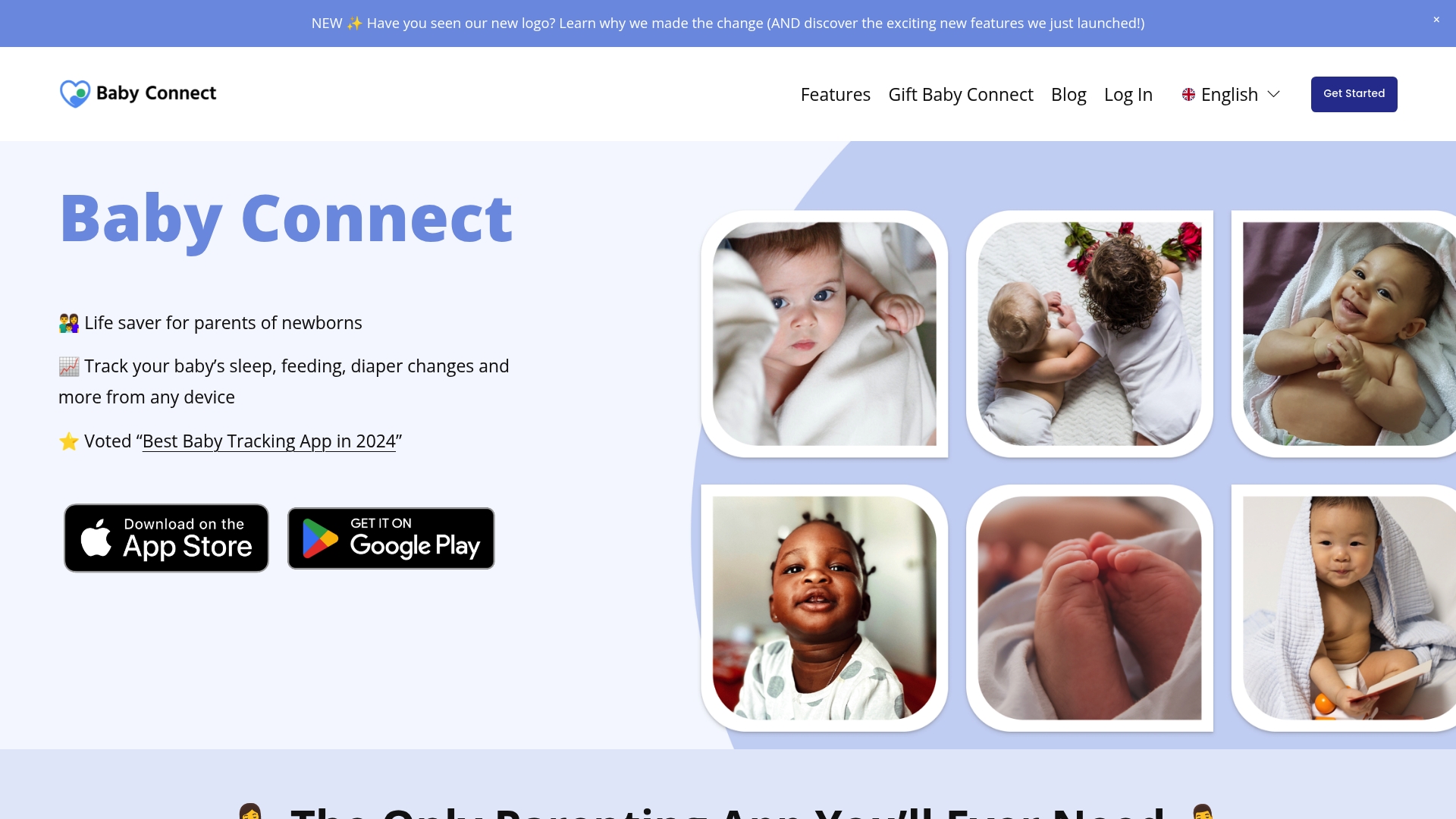
Baby Connect’s marketing materials state it is used by over a million parents worldwide. The app stands out for letting multiple caregivers sync detailed logs across phones, tablets, and computers while charging a single one-time fee instead of a subscription.
Core Features
Tracks sleep intervals, feeding sessions, diaper and potty events, milestones, and medical records with report export for pediatricians. Data can be synced live between caregivers so entries appear on every device.
The app stores vaccination and visit history and generates timelines and printable reports that clinicians or caregivers can review together.
Key Differentiator
The combination of multi-user sync and a one-time payment model is the product angle. Families who share duties across partners, grandparents, and daycare staff get a single shared log without recurring costs or per-seat billing.
That model changes the arithmetic for families who prefer paying once and keeping records long term rather than managing another monthly subscription.
Pros
-
Multi-user sync keeps everyone aligned. Parents and caregivers can add entries from separate devices and see the same timeline in near real time.
-
Full activity logging covers sleep, feeds, diapering, milestones, and medical notes so you have a single record to hand when the pediatrician asks about trends.
-
Works on any device, including phones, tablets, and desktop browsers, which makes switching between caregiver devices painless.
-
Voice assistant support with Amazon Alexa and Siri reduces friction for hands-full parents who need to log events quickly.
-
The one-time payment removes subscription fatigue and makes long term record keeping cheaper for families who plan to use the app across multiple children.
Cons
-
No free tier; you must buy the app before trying core features. That upfront cost can feel risky if you prefer testing apps first.
-
The user interface is dated compared with modern mobile apps which makes navigation slower and less intuitive for some users.
-
Documentation for certain features and integrations is sparse so setup of voice assistants or advanced reports may require trial and error.
When It May Not Fit
If you want a free trial or a subscription that can be canceled monthly this will frustrate you. Also, if your priority is a modern, minimalist interface the look and flow here may feel clunky.
Large daycare centers that need bulk enrollment and advanced administrative controls will find the consumer-focused feature set limited.
Notable Integrations
- Voice assistant support with Amazon Alexa and Siri lets caregivers log feedings or naps by voice. That is the primary third-party connectivity listed by the vendor.
Who It’s For
Parents and professional caregivers who need detailed, shareable records of daily baby care and prefer paying once rather than subscribing. Particularly useful when multiple people split care across shifts.
Real World Use Case
A family with two working parents and a daytime caregiver uses Baby Connect to coordinate feeding and sleep shifts. Each caregiver logs events on their own device. The parents pull a weekly report for the pediatrician before a checkup.
Pricing
Paid app with a one-time fee. There is no subscription model and the vendor does not advertise a free version, so budget for the purchase up front.
Website: https://babyconnect.com
Comparing Twin Parenting Platforms
Choosing the right twin parenting platform involves evaluating several factors including specific feature sets, pricing models, and workflow suitability. This analysis compares TwinsandCounting, Parent Sense, BabyG, and Baby Connect based on their distinct capabilities to help users make an informed decision.
Feature Differentiation Across Platforms
When focusing on features tailored specifically for twin parenting, TwinsandCounting excels with its twin-specific guides and individualized tracking tools. In contrast, while Parent Sense and BabyG offer features applicable to twin care, they target a broader audience and may lack the nuanced adjustments required for managing parallel sleep or feeding schedules. Baby Connect provides tracking capabilities across caregivers but assumes general applicability over specialized twin-focused needs.
Pricing Structures and Value
TwinsandCounting provides its resources within a fixed cost model for its guides and trackers, allowing users straightforward access without recurring fees. Parent Sense offers a range of subscription and one-time purchase models, offering flexibility albeit at different pricing levels. Baby Connect, charging a single upfront fee, avoids recurring costs altogether but requires parents to fully trust their investment before seeing the tool’s benefits. BabyG, while integrating many compelling developmental tools, includes subscription fees that could accumulate significantly over time.
Best Fit Recommendations
- TwinsandCounting: Suitable for parents of twins seeking guidance and tracking tools specifically designed for the simultaneous milestones of two infants.
- Parent Sense: Recommended for users preferring structured schedules with deeply integrated twin and prematurity adjustments along with customizable subscriptions.
- Baby Connect: Works well for families requiring multi-device syncing and long-term logging but who are comfortable with its one-off purchase model.
Our Pick: TwinsandCounting
For twin caregiving, TwinsandCounting shines due to its exclusive focus on twin-specific development and accessible tracking features. However, parents desiring customizable schedules devoid of a twin-specific axis could consider the alternatives better fitting those needs.
Comparison of Twin Parenting Platforms
Selecting the optimal platform to support caring for twin infants hinges on tools that cater to the specific needs of dual caregiving and child development.
| Platform | Key Differentiator | Best For | Pricing | Notable Limitation |
|---|---|---|---|---|
| TwinsandCounting | Exclusive focus on twin care with separate tools | Parents of twins seeking tailored advice | Not disclosed | Detailed material may overwhelm unsupported caregivers |
| Parent Sense | Evidence-backed app with corrected age tracking | Parents of twins or premature infants | R99/month, R1,999.99 lifetime | Limited app customization forces standard routines |
| BabyG | Comprehensive development activities and tracking | Single infant households | Not disclosed | Focuses on single-infant needs, limiting twin-specific usage |
| Baby Connect | Multi-user sync and extensive tracking features | Multi-caregiver households | One-time purchase | Dated interface may hinder user experience |
Find Expert Twin Support Beyond Nurtureinfant.com Alternatives
Caring for twins presents unique challenges that typical baby care sites often overlook. If you’ve been exploring nurtureinfant.com alternatives seeking tailored advice for managing two infants, Twinsandcounting offers a focused solution designed specifically for parents like you. Our resources cover everything from twin-specific sleep and feeding routines to personalized growth tracking and safe sleep tips that help reduce nightly stress.
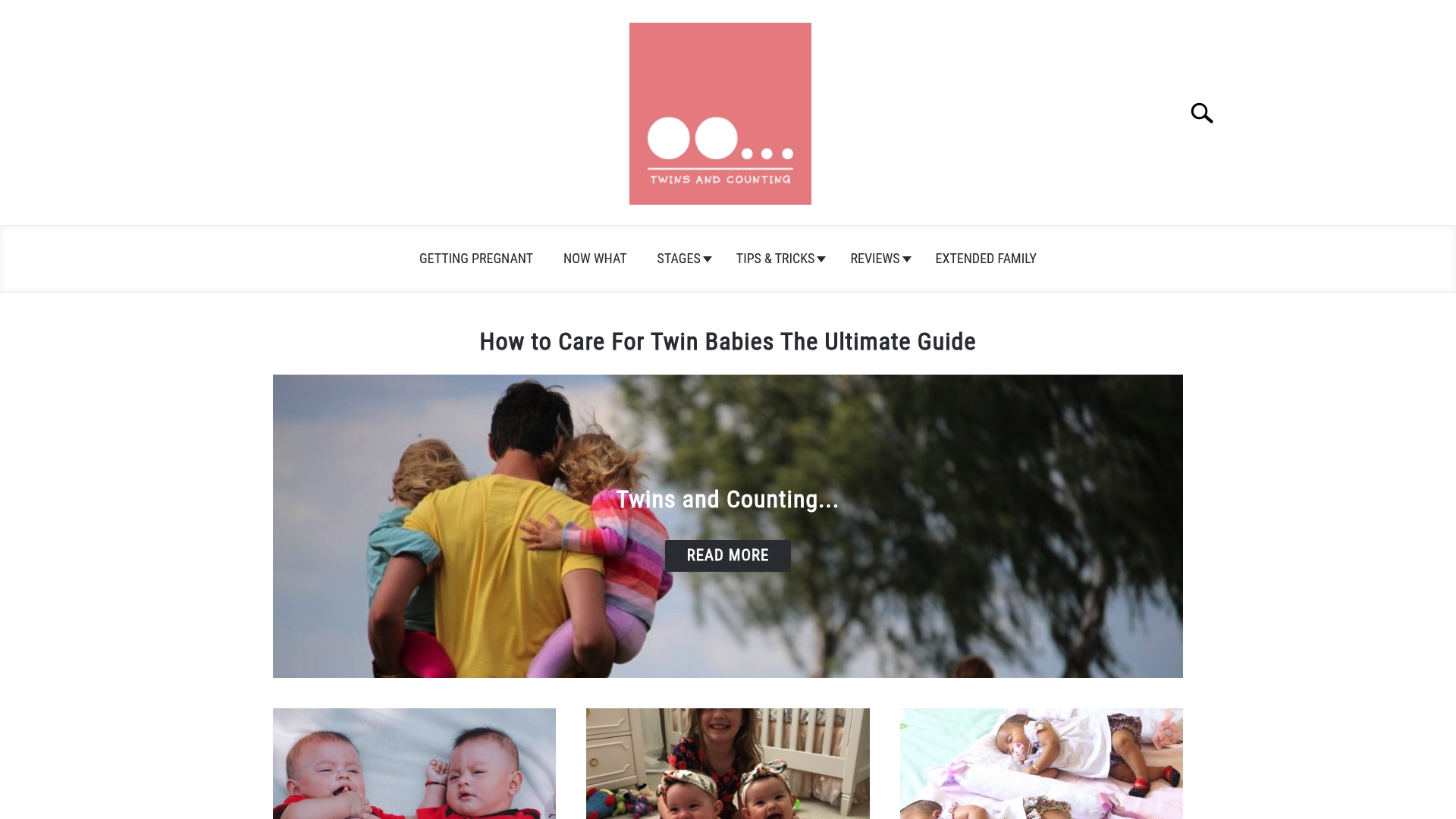
Discover practical strategies and real-life stories built around the demands of twin parenting. Visit Twins and Counting and explore thoughtful content across our family Archives or get insights on early challenges at Getting Pregnant Archives. Take control of your twin care routine with advice designed to lighten your load and improve your confidence today.
Frequently Asked Questions
How does Twinsandcounting help parents manage twin feeding schedules?
Twinsandcounting offers unique tracking tools that allow parents to monitor each twin’s feeding history separately. This feature helps identify patterns and ensures that each baby’s individual needs are met, making feeding more organized. Parents should expect a more streamlined approach to feeding, especially during challenging night shifts.
What is the difference between Twinsandcounting and Parent Sense for managing multiple infants?
Parent Sense provides personalized routines tailored to each child’s age, focusing on structured guidance across sleep, feeding, and health. In contrast, Twinsandcounting specifically addresses twin care with advice meant for managing two infants simultaneously, thereby reducing repetitive work for parents. Choose Twinsandcounting when twin-specific strategies matter more than general guidance for all babies.
Can I use Twinsandcounting if I have single infants but want focused twin-centric advice?
Twinsandcounting primarily focuses on twin care, making it a poor fit for parents of singular infants looking for non-twin guidance. However, its dedicated approach could still provide insights into managing routines when caring for two at once, should the need arise in the future. Parents of single infants might consider general apps that cater exclusively to single-baby needs instead.
Does Twinsandcounting offer guidance for safe sleep practices for twins?
Yes, Twinsandcounting provides specific guidance on creating safe sleep environments for twins sharing a room or sleep surface. This level of detail is essential for reducing risk in limited spaces, enabling parents to understand best practices effectively. Parents looking to ensure safety while managing twin sleep should rely on this clear and targeted advice.
How does Twinsandcounting cater to parents needing individual development tracking for twins?
Twinsandcounting emphasizes individual development, allowing parents to log each twin’s growth and feeding separately. This approach helps to tailor feeding and sleep plans according to each child’s unique development trajectory, making it easier for parents to address any discrepancies between the twins. Parents can expect a personalized experience that enhances developmental support through tracking.